This post contains affiliate links. If you buy through our links we may earn a small commission — at no extra cost to you. This never influences our recommendations.
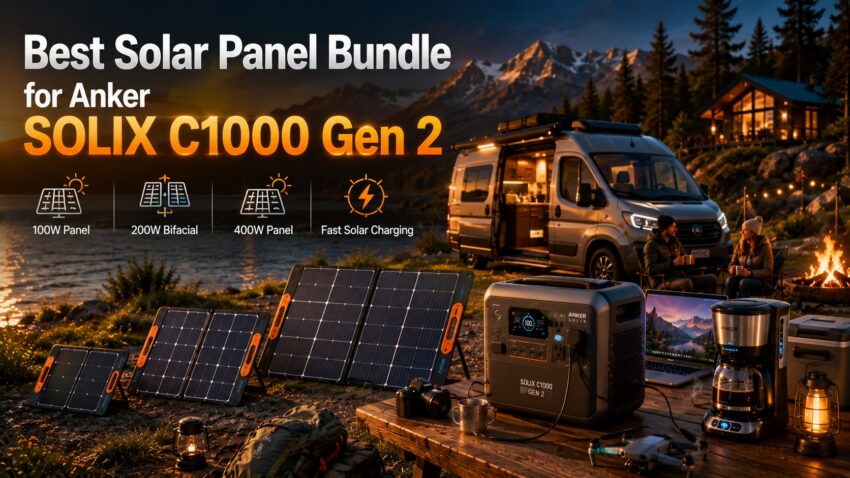
Anker sells the SOLIX C1000 Gen 2 bundled with three different solar panel sizes — 100W, 200W, and 400W — and the right choice depends entirely on one thing: how fast you need to recharge from empty. This guide breaks down what each panel size actually delivers in real charge time, so you can pick the bundle that matches how you’ll actually use it rather than overpaying for speed you don’t need.
The C1000 Gen 2 Itself — Quick Recap
Before comparing panel options, the power station side of the equation is identical across all three bundles: 1,024Wh LiFePO4 capacity, 2,000W continuous output (3,000W peak surge), a 49-minute full AC charge via HyperFlash technology, and a maximum solar input ceiling of 600W. For the full spec breakdown and how this unit compares to the rest of Anker’s lineup, see our Anker solar generator guide.
What changes between bundles is purely the solar charging speed — and by extension, the price.
How Long Each Panel Size Takes to Recharge the C1000 Gen 2
| Panel Bundle | Full Charge Time (Full Sun) | Typical Price | Best For |
|---|---|---|---|
| 100W Bifacial | ~10–12 hours | Lowest cost bundle | Occasional use, backup role, tight budget |
| 200W Bifacial | ~5.5–6 hours | Mid-range | Most campers and weekend van lifers |
| 400W | ~2.8–3 hours | Highest cost bundle | Daily off-grid users, van life full-timers |
These figures assume full, direct sun with the panel properly angled — cloud cover, poor angle, or partial shade will extend all three considerably. As a rule of thumb, halving the panel wattage roughly doubles the charge time at this capacity.
Best Bundle Picks — Verified
Best Budget Bundle: C1000 Gen 2 + 100W Bifacial Solar Panel
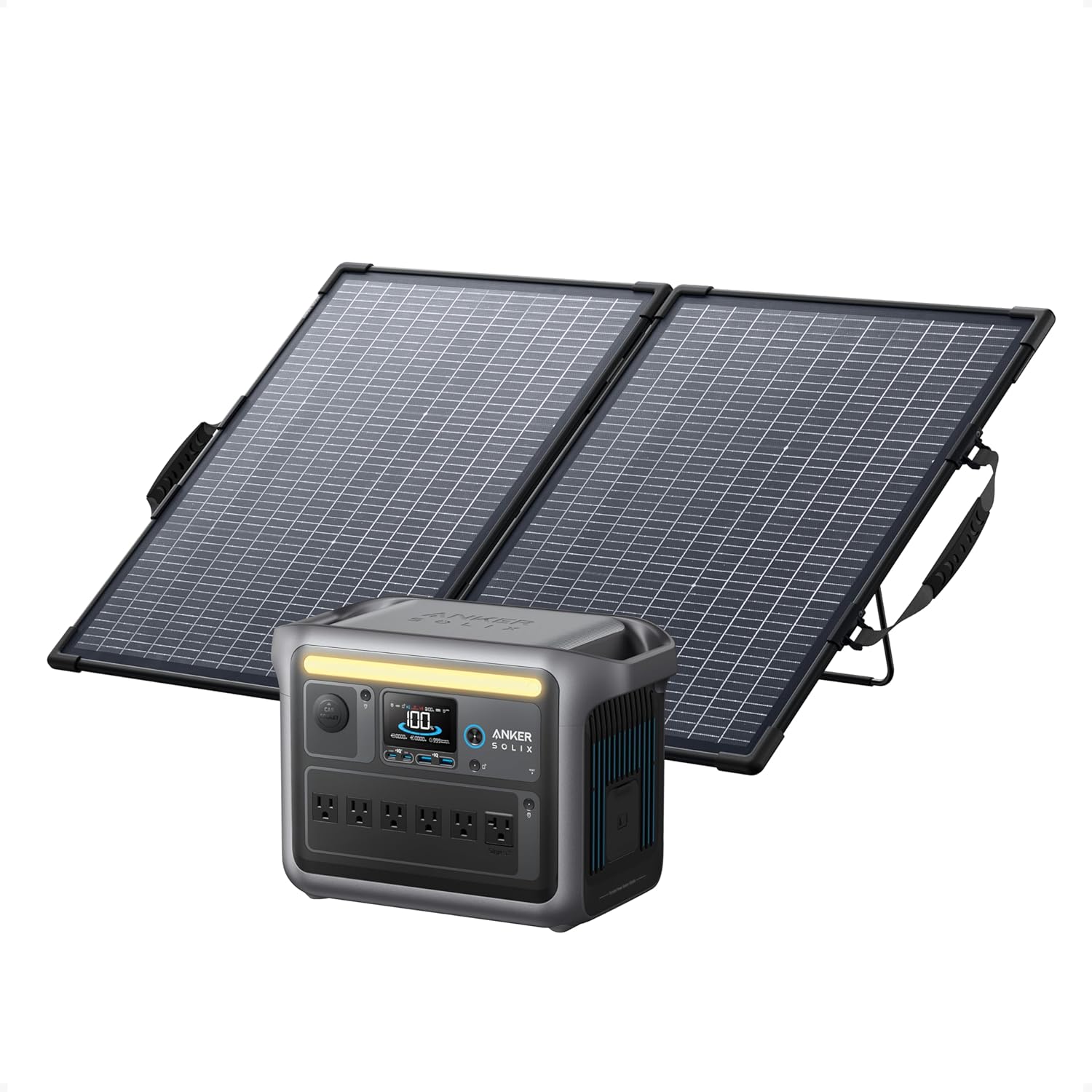
At roughly 10–12 hours for a full charge in good sun, the 100W bundle is realistically a “recharge over a full day or two” setup rather than a same-day solution. This makes sense specifically for buyers who see solar as a backup or supplementary charging method — most of the time you’ll top up via AC at home, and the solar panel exists for the occasional multi-day outage or off-grid stretch where slow-but-free charging beats no charging at all.
The bifacial design captures reflected light from both sides of the panel, adding a modest efficiency bonus over standard monofacial panels of the same rated wattage — a small but genuine advantage that partially offsets the slower charge time.
Best for: Buyers on a budget, occasional campers, anyone who sees solar as backup rather than primary charging
Best All-Around Bundle: C1000 Gen 2 + 200W Bifacial Solar Panel
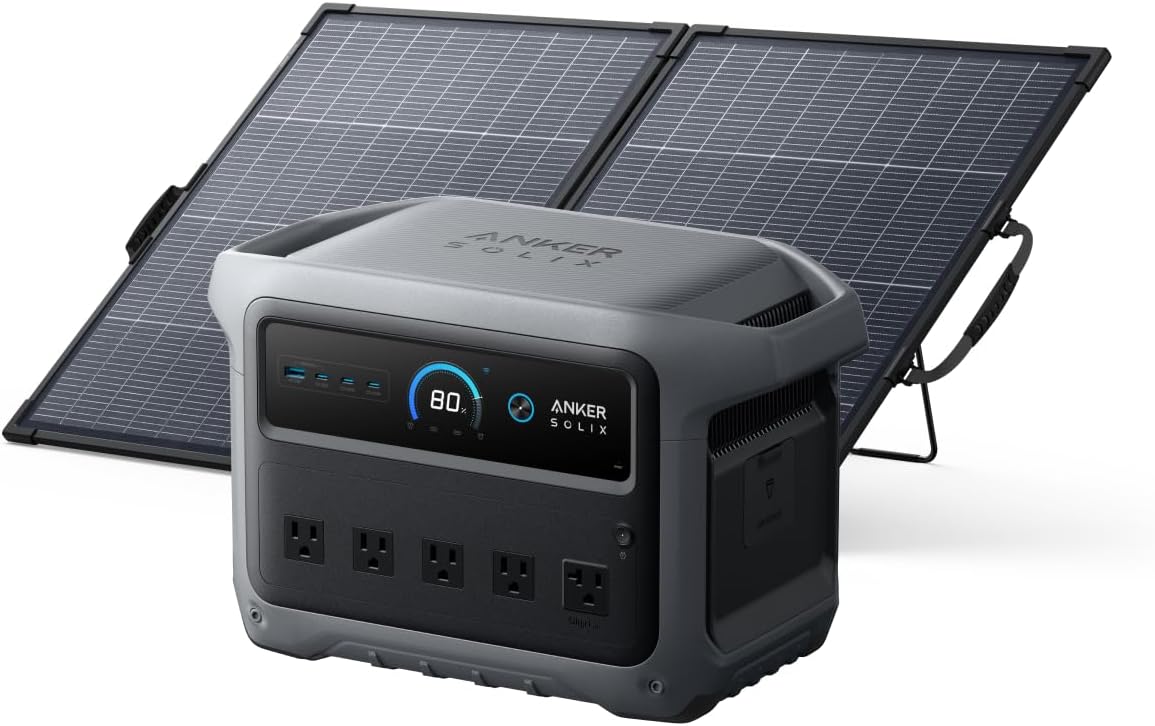
The 200W bundle is the sweet spot for most buyers — a 5.5 to 6-hour full charge comfortably fits within a single day of decent sun, meaning you can genuinely rely on solar as your primary recharging method rather than a backup. IP67 waterproofing and 4-angle adjustability make it practical for regular outdoor use, and it remains fully compatible if you later want to add a second panel to reach the C1000 Gen 2’s 600W input ceiling.
For regular weekend campers and van lifers who don’t want to manage multi-panel wiring setups, this is the most versatile single-panel option — fast enough to matter, without paying the premium the 400W panel commands.
Best for: Regular weekend campers, van lifers, most buyers who want reliable same-day solar recharging
Best for Daily Off-Grid Use: C1000 Gen 2 + 400W Solar Panel
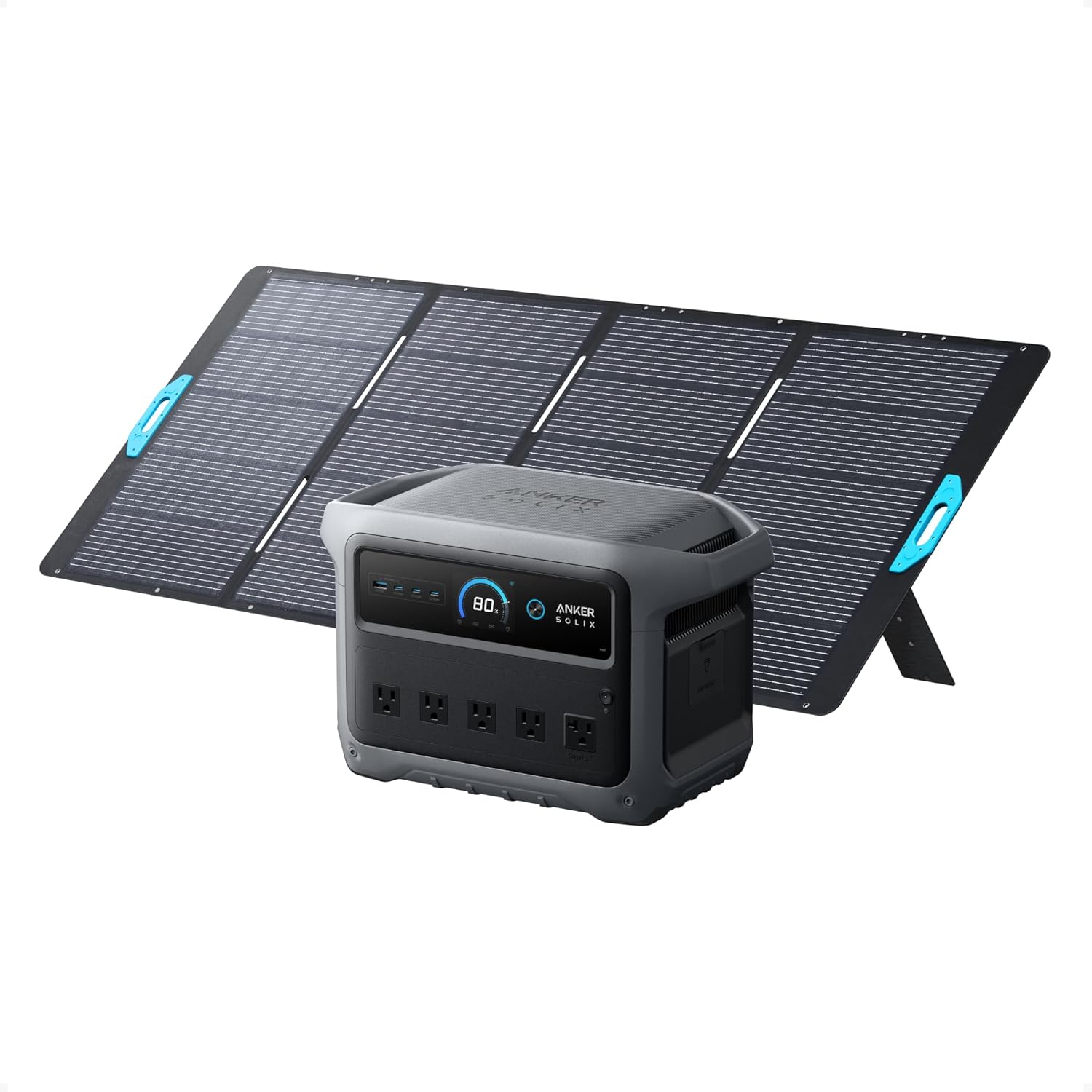
At roughly 2.8 to 3 hours for a full charge, the 400W bundle is the fastest single-panel solution available for the C1000 Gen 2 — a full recharge inside a single morning of good sun. This is the right choice for full-time van lifers, off-grid cabin users, or anyone who depends on this power station daily and needs the battery topped up reliably before afternoon use.
The panel’s legs adjust to 30°, 40°, 50°, or 80° angles to maximize sunlight capture through the day, and IP67 waterproofing and dust-tight construction hold up to regular outdoor exposure. At 23% conversion efficiency with monocrystalline cells, it also performs comparatively better than lower-wattage panels on cloudy or overcast days.
Best for: Full-time van lifers, off-grid daily users, anyone who needs a complete recharge within a morning
Want Maximum Speed? Combine Two Panels
The C1000 Gen 2 accepts up to 600W of solar input — more than any single bundled panel provides on its own. Combining the 400W and 200W panels in parallel reaches the full 600W ceiling, cutting full charge time to roughly 1 hour 45 minutes to 2 hours under good sun — genuinely fast for a 1,024Wh unit. This requires purchasing both panels separately rather than through a single bundle, along with the appropriate parallel connection cable, but it’s worth knowing the option exists if charge speed is your absolute priority.
Should You Buy the Bundle or the Power Station Alone?
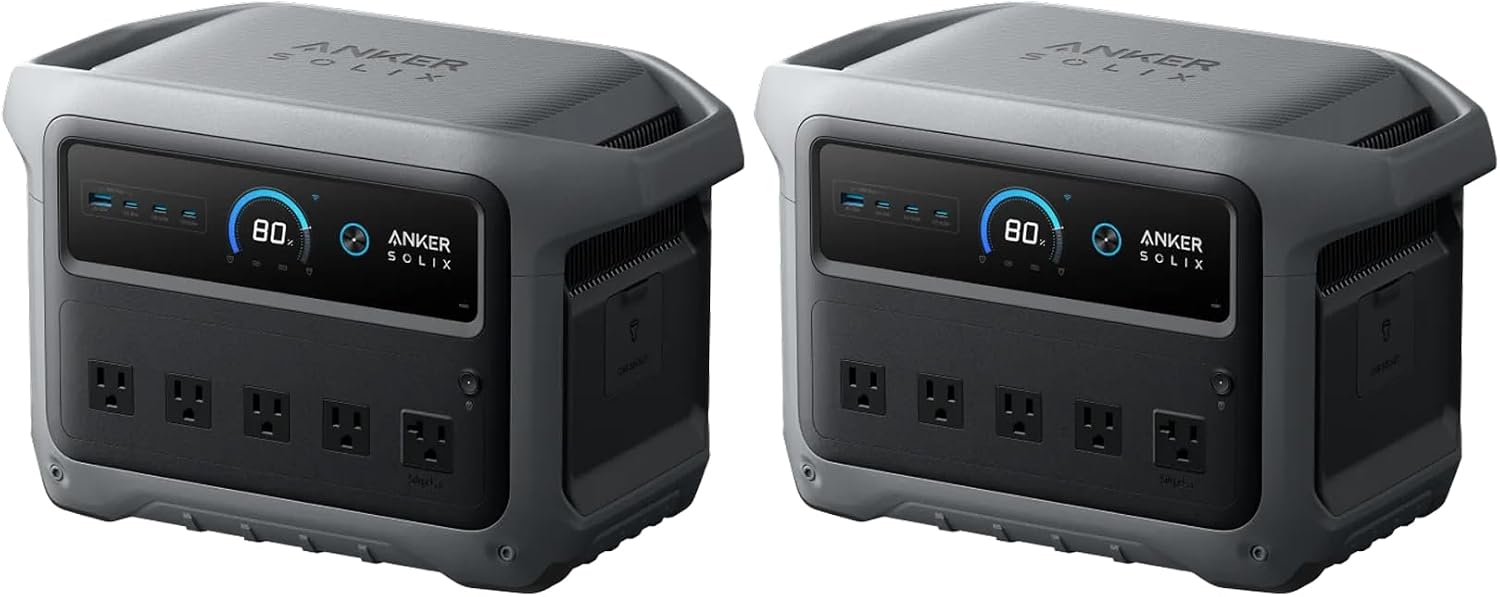
If you already own compatible solar panels — from a previous power station, or purchased separately — buying the C1000 Gen 2 standalone and skipping the bundle saves money outright. Bundles make the most sense for buyers starting from scratch, since Anker’s own panels are matched, tested, and guaranteed to work together without any adapter or compatibility research needed.
Frequently Asked Questions
Which solar panel bundle should I buy for the Anker SOLIX C1000 Gen 2?
For most buyers, the 200W bundle offers the best balance — a full charge fits comfortably within one day of sun, without paying the premium the 400W panel commands. Choose the 100W bundle only if solar is purely a backup role for you, and step up to 400W specifically if you need a full charge within a single morning for daily off-grid use.
Can I use a different brand’s solar panel with the C1000 Gen 2?
Yes, via an appropriate MC4-to-XT60 adapter, since most third-party panels use MC4 connectors while Anker’s own panels connect directly via XT60. Confirm the third-party panel’s voltage falls within the C1000 Gen 2’s accepted input range before connecting.
How much solar input can the C1000 Gen 2 actually accept?
Up to 600W combined across its solar input ports. No single bundled panel (100W, 200W, or 400W) reaches that ceiling alone — only combining two panels, such as the 400W and 200W together, gets you to the full 600W input for the fastest possible recharge.
Does cloudy weather significantly slow down solar charging?
Yes, substantially — expect roughly 20–40% of rated panel output under heavy cloud cover, extending all the charge times in this guide by 2–3x or more. The 400W panel’s advantage becomes even more pronounced in marginal weather, since it retains more absolute output than smaller panels even at reduced efficiency.
Is the bifacial design on the 100W and 200W panels worth it?
Bifacial panels capture some reflected light from their rear surface in addition to direct sunlight on the front, providing a modest efficiency bonus over standard monofacial panels of the same rated wattage — particularly noticeable on reflective surfaces like light-colored ground, snow, or a white RV roof. It’s a genuine, if modest, advantage rather than a marketing gimmick.
Final Verdict
| Your Situation | Best Bundle |
|---|---|
| Tightest budget, solar as backup only | C1000 Gen 2 + 100W Panel (B0CDGKRX4X) |
| Most buyers — weekend camping, van life | C1000 Gen 2 + 200W Panel (B0GWGSKN54) |
| Daily off-grid use, need fast morning recharge | C1000 Gen 2 + 400W Panel (B0FN7SVM9R) |
| Already own compatible panels | C1000 Gen 2 Standalone (B0FN7SVNGY) |
For most buyers, the 200W bundle hits the right balance — fast enough to fully recharge within a single day of decent sun, without paying for speed that a weekend camper or occasional van lifer won’t fully use. Daily off-grid users and full-time van lifers should step up to the 400W bundle for its within-a-morning recharge time, while anyone treating solar strictly as emergency backup can save with the 100W bundle.
For the full Anker SOLIX lineup comparison, see our Anker solar generator guide. For sizing solar panels more generally, our 200 watt solar panel guide covers standalone panel options across brands.