This post contains affiliate links. If you buy through our links we may earn a small commission — at no extra cost to you. This never influences our recommendations.
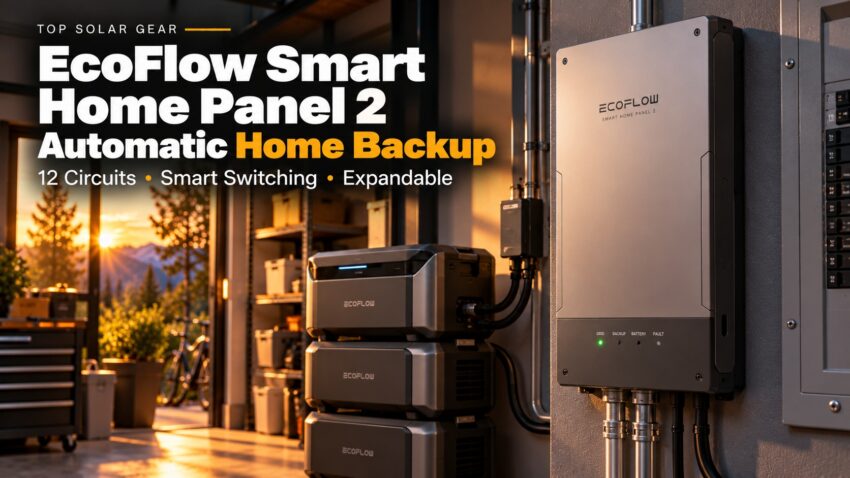
The EcoFlow Smart Home Panel 2 is a 12-circuit backup sub-panel. It sits between your home’s main panel and an EcoFlow battery system, so the lights, fridge and Wi-Fi come back on automatically when the grid fails.
It doesn’t store power itself. It also needs an electrician to install it. Here’s what it does, what else you have to buy, and where reviewers hit problems.
Specs at a Glance
| Spec | EcoFlow Smart Home Panel 2 |
|---|---|
| Type | 12-circuit sub-panel with automatic switchover |
| Works with | DELTA Pro Ultra, DELTA Pro 3, solar, gas generators |
| Expansion | Up to 3 inverters and 15 batteries (90kWh, 21.6kW), per EcoFlow |
| Generator input | Portable gas generators, 3–12kW |
| Solar input | Up to 16.8kW, per EcoFlow |
| Switchover | 20ms claimed (see below) |
| Control | EcoFlow app, with three circuit priority levels |
| Weight and size | 40 lb, 24.8 x 14.9 x 6.7 in |
| Installation | Professional installation required |
What It Is (and Isn’t)
It’s a sub-panel, not a replacement main panel. You move the circuits you want backed up onto it, so everything else stays on your existing panel and goes dark in an outage.
You still need a battery. EcoFlow’s own listing says it works with the DELTA Pro Ultra and the DELTA Pro 3. It will not run off a smaller portable power station.
The app lets you sort each circuit into one of three priority levels. SlashGear’s reviewer notes the middle level keeps a circuit on only while the battery stays above 50%, which stretches the runtime.
What It Really Costs
The panel alone is about $1,600 on Amazon. The battery system is the big expense: a DELTA Pro Ultra bundle with the panel lists at $5,499.
Installation is a separate cost, and permits, materials or a main-panel upgrade can add more. We can’t give a reliable figure because it varies by home, so get quotes from a licensed electrician before you buy.
If your goal is simply a few circuits on backup, compare this to a transfer switch or one of our solar battery backup systems for home.
The 20ms Switchover Claim
EcoFlow advertises a 20ms automatic switchover. Reviewers saw different things.
TechSpective reported a silent switch with the internet and fridge staying on. SlashGear, testing in 2024, measured about 4 seconds in the default mode, with Wi-Fi and computers dropping briefly.
The 20ms speed there needed EPS mode. The reviewer’s electrician advised against it, because EPS keeps the inverter running and drains the battery faster. Firmware may have changed since, so treat 20ms as best case until you confirm it with EcoFlow or your installer.
EcoFlow Smart Home Panel 2 Review
EcoFlow Smart Home Panel 2
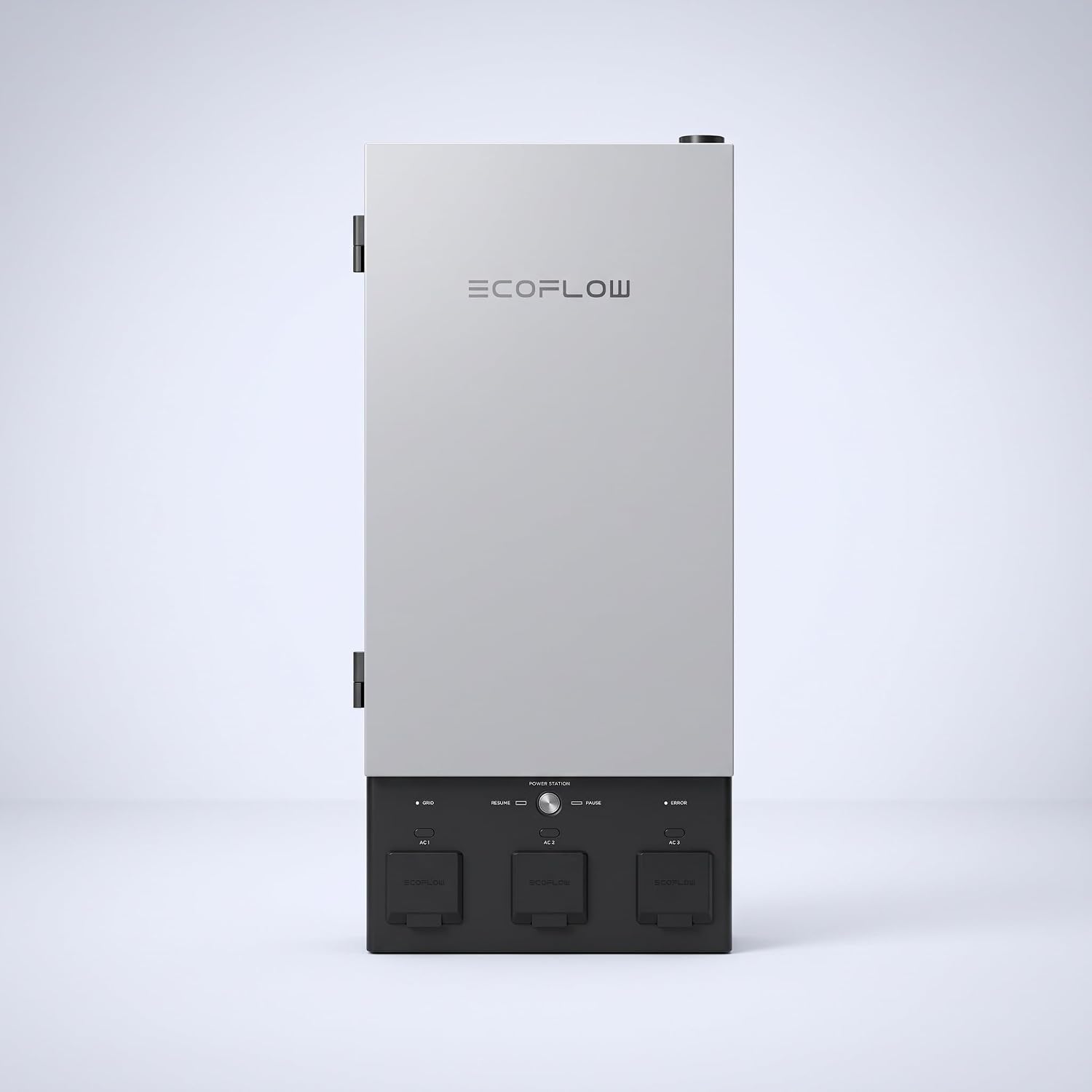
This is one of the more affordable ways to get automatic whole-circuit backup, and it grows with you. You can add inverters and batteries, link a gas generator, and connect solar through the same box.
The catch is complexity. SlashGear rated it 7/10 and found the software has a steep learning curve. TechSpective’s air conditioner compressor tripped the system on startup until the owner added a soft starter.
Amazon shows 4.1 stars from 374 ratings. The listing shares reviews with the DELTA Pro Ultra bundle, and the review summary is mixed on reliability and charging. At 40 lb for the panel and nearly 200 lb for a stacked DELTA Pro Ultra, plan the install carefully.
| Pros | Cons |
|---|---|
| Automatic backup for 12 circuits | Needs a DELTA Pro Ultra or DELTA Pro 3 |
| Expandable to 15 batteries and 3 inverters | Professional installation adds cost |
| Accepts solar and gas generators | Switchover time varies in reviews |
| App with three priority levels | Sub-panel only, with no spare circuit spaces |
Best for: Homeowners who want automatic backup for key circuits and plan to build a bigger EcoFlow system over time.
Full details and current price: EcoFlow Smart Home Panel 2 on Amazon
Full details and current price: EcoFlow DELTA Pro Ultra with Smart Home Panel 2 on Amazon
Want a simpler plug-in setup? See the EcoFlow DELTA Pro 3, our best EcoFlow solar generators, or the solar generator vs whole-house generator comparison.
Frequently Asked Questions
Does the Smart Home Panel 2 include a battery?
No. It’s the panel and cable only. You need a DELTA Pro Ultra or DELTA Pro 3 to supply power.
Can I install it myself?
No. EcoFlow requires professional installation, and it changes how power enters your home. Your local rules may also require permits.
Can it run my whole house?
Only the circuits you move onto it, and only as much as your inverters and batteries can supply. EcoFlow quotes up to 21.6kW with three inverters.
Does it work with solar panels?
Yes. EcoFlow lists up to 16.8kW of solar input, but it advises against wiring rooftop PV directly. Ask your installer about an AC-coupled setup. See our best solar generator for home backup for alternatives.
Is there a newer version?
EcoFlow also sells a Smart Home Panel 3, bundled with the larger DELTA Pro Ultra X. This article covers the panel 2 only.
Final Verdict
The Smart Home Panel 2 is a flexible, expandable way to put key circuits on automatic battery backup, but it only makes sense with a DELTA Pro Ultra or DELTA Pro 3. Budget for the battery and installation, and ask your electrician about switchover speed before you commit.